Insights, tutorials & guides
Practical articles on image optimization, file formats, web performance, and getting the most out of every tool on AI Genzox.
Featured
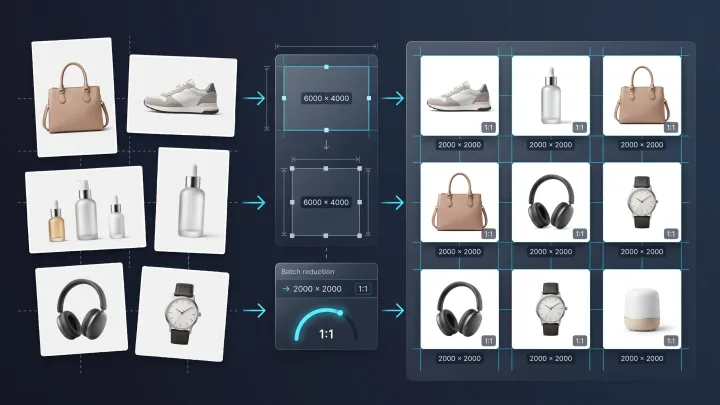
How E-Commerce Sellers Can Standardize Product Image Dimensions in Bulk
Learn how to standardize e-commerce product image sizes in bulk, create consistent product photo dimensions, and prepare images for Shopify, Amazon, Etsy, and online stores.
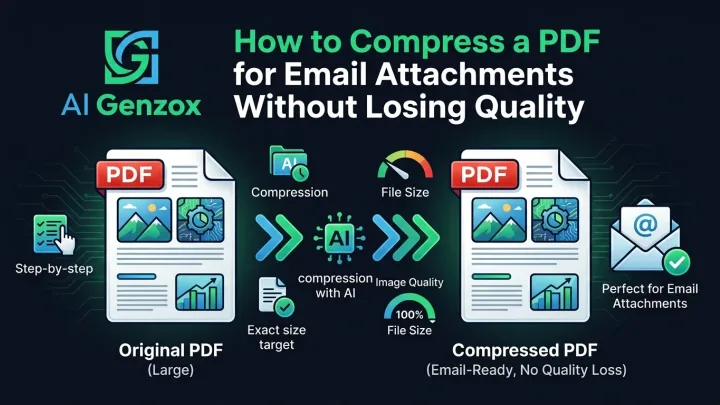
How to Compress a PDF for Email Attachments Without Losing Quality
Learn how to reduce a PDF for email, choose a compression profile, review readability, and work with attachment limits without an exact-size guarantee.
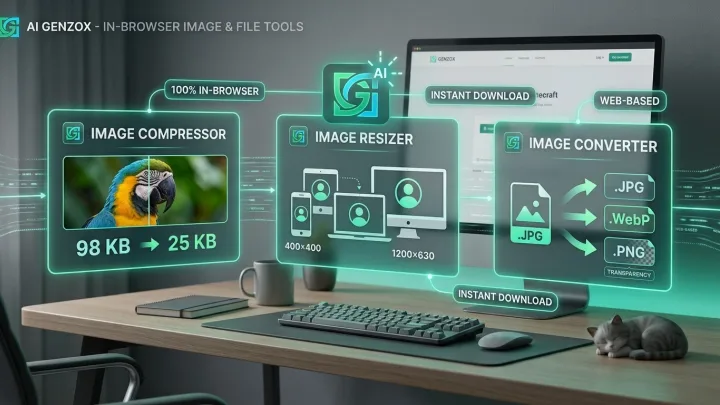
Getting Started with AI Genzox
A practical introduction to AI Genzox — what tools are available, how to use them, and how to get the most out of every feature.
All Articles
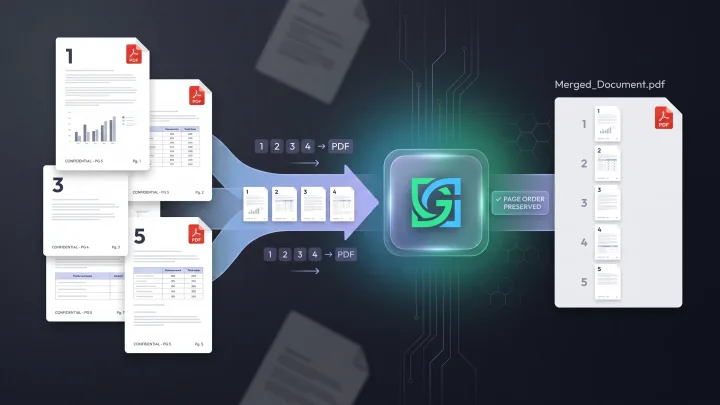
How to Merge Multiple PDFs Into One PDF Without Losing Page Order
Learn how to merge multiple PDFs into one PDF while keeping the correct page order, avoiding common mistakes, and choosing the simplest workflow for your files.
How E-Commerce Sellers Can Standardize Product Image Dimensions in Bulk
Learn how to standardize e-commerce product image sizes in bulk, create consistent product photo dimensions, and prepare images for Shopify, Amazon, Etsy, and online stores.
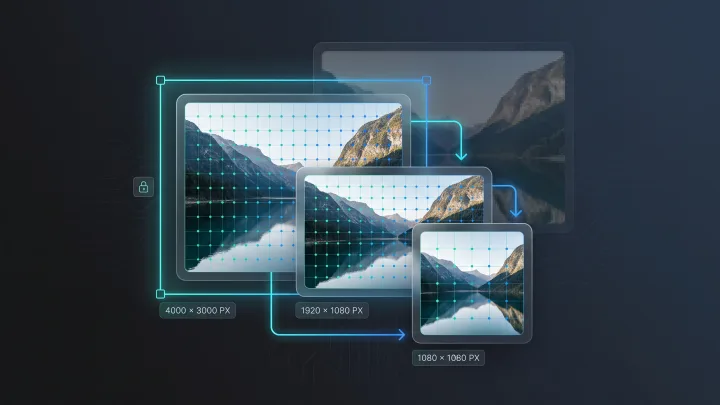
How to Resize Images in Pixels Without Losing Quality or Sharpness
Learn how to resize images in pixels without losing quality, avoid pixelation, maintain aspect ratio, and choose the right interpolation method for sharp results.
How to Compress a PDF for Email Attachments Without Losing Quality
Learn how to reduce a PDF for email, choose a compression profile, review readability, and work with attachment limits without an exact-size guarantee.
Getting Started with AI Genzox
A practical introduction to AI Genzox — what tools are available, how to use them, and how to get the most out of every feature.
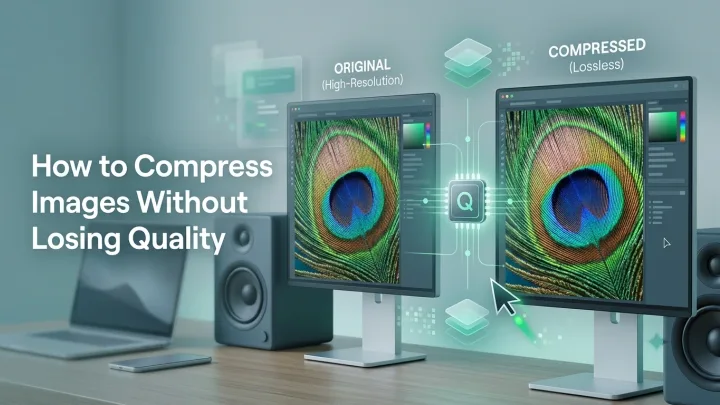
How to Compress Images Without Losing Quality
Reduce image file size while managing visual quality with the right format, settings, and one-pass workflow for WebP, JPEG, PNG, and GIF.